
























































































































































































No Signal? No Problem: The Phone Compass Trick Everyone Should Know for Emergency Safety
Learn how to use your iPhone or Android's built-in compass and GPS to find and share your exact location via SMS even when you have zero internet or cellular data. A must-read safety guide for travelers and hikers
We’ve all been in that "dead zone"—a remote hiking trail, a deep basement, or a rural highway where the "No Service" icon appears and Google Maps refuses to load. In these moments, feeling lost can quickly turn into a crisis.
Before we dive into the details, I just want to share one tech hack that might be helpful: your phone doesn't need the internet to know exactly where you are. Your device has a dedicated GPS chip that talks directly to satellites, independent of your 5G or Wi-Fi connection.
The Secret: Your Phone’s Built-in Compass
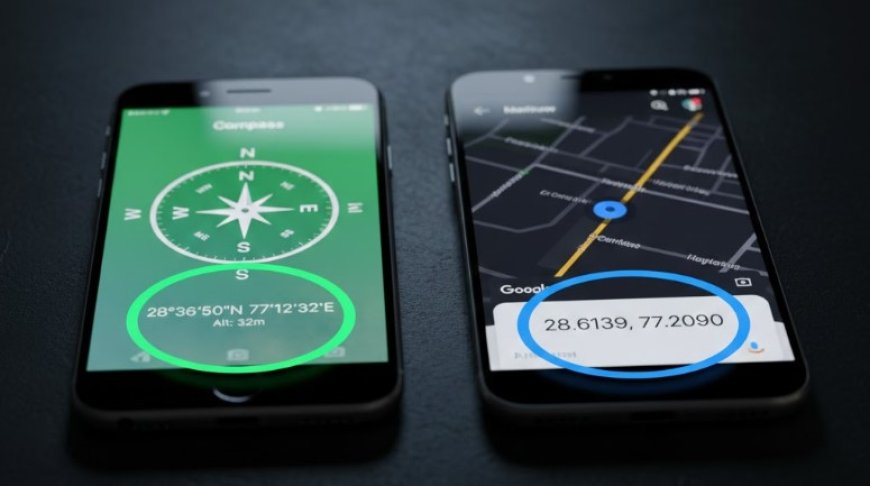
Every iPhone and most Android phones have a built-in Compass app. Unlike Google Maps, which needs the internet to load the "map" image, the Compass only needs a clear view of the sky to find your coordinates (latitude and longitude).
The Step-by-Step "Safety Protocol"
-
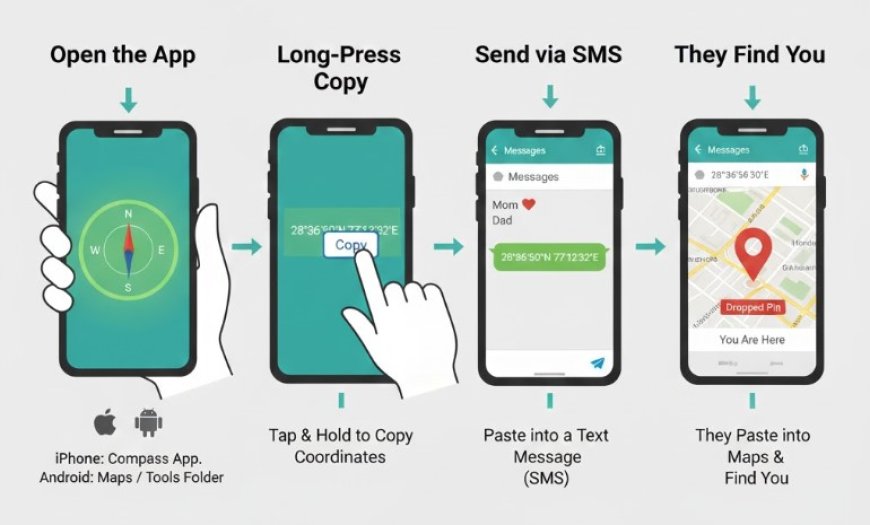
Open the Compass App: Every iPhone has it pre-installed. On Android, it is usually in the "Tools" folder or part of the "Quick Settings" menu.
-
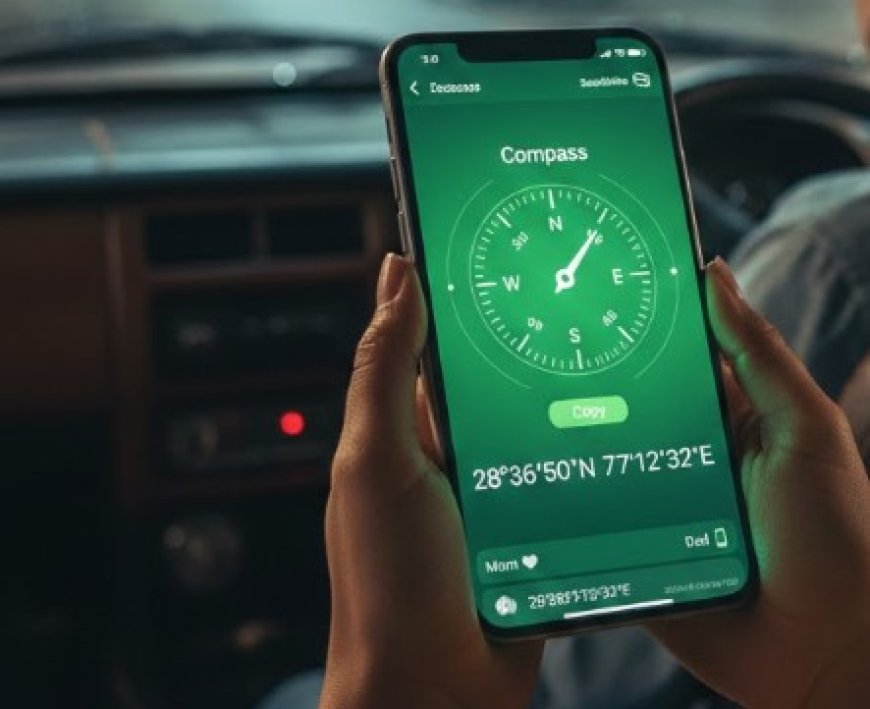
Wait for the Numbers: At the bottom of the screen, you will see numbers like
28°36'50"N 77°12'32"E. These are your exact coordinates on Earth. -
The Long-Press Copy:
-
On iPhone: Tap and hold the coordinates at the bottom. A "Copy" button will appear.
-
On Android: Take a screenshot if you can't copy, or quickly jot the numbers down.
-
-
Send via SMS (Green Bubbles): Open your Messages app and paste those numbers into a text to a trusted contact (Mom, Dad, or a friend).
-
Why it works: Even when the internet is dead, a standard SMS (text message) can often "squeeze through" a very weak cellular signal that isn't strong enough for WhatsApp or Instagram.
Why this is a "Secret" Tech Tip
When your contact receives those numbers, they don't even need to be a tech expert. They can simply copy and paste those coordinates into Google Maps, and it will drop a pin exactly where you are standing—accurate within a few meters.
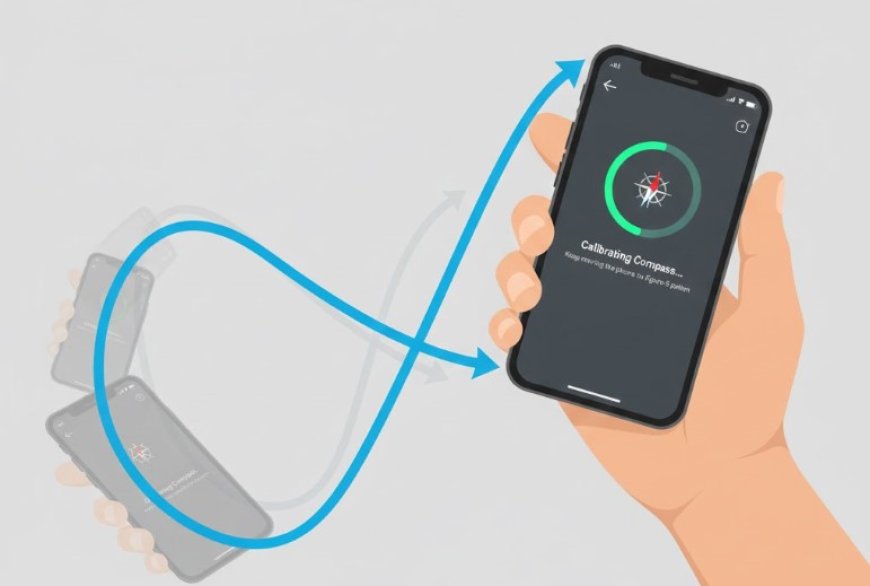
Pro-Tip for Tech-hack: Mention that users should calibrate their compass by moving the phone in a "figure-8" motion if the numbers seem stuck.
A Better "Modern" Alternative (The Satellite Option)
If you are writing this for a 2026 audience, you must mention Satellite SOS:
-
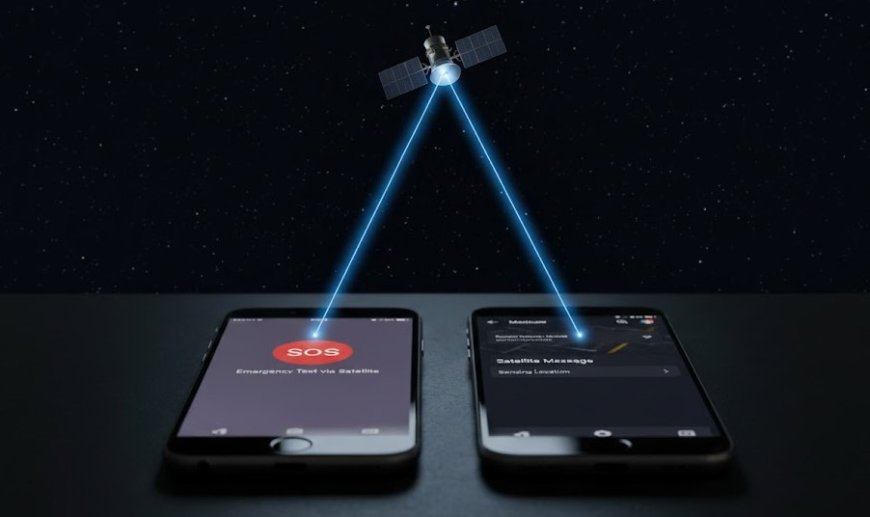
iPhone 14 and newer: If you have no signal, a "Satellite" icon will appear. You can point your phone at the sky (the phone will guide you) and send an emergency text to authorities or your "Emergency Contact" for free.
-
Android 15/16: Most flagship Android phones in 2026 now have Satellite Messaging built into the Google Messages app. It works exactly like the Compass hack but is even more reliable in deep wilderness.
What's Your Reaction?
 Like
0
Like
0
 Dislike
0
Dislike
0
 Love
0
Love
0
 Funny
0
Funny
0
 Angry
0
Angry
0
 Sad
0
Sad
0
 Wow
0
Wow
0