









































































































































































DIY Smart Home Security: A Beginner’s Cloud-Free Setup Guide
Discover DIY smart home security and set up a private cloud-free surveillance system to protect your home with full data control.
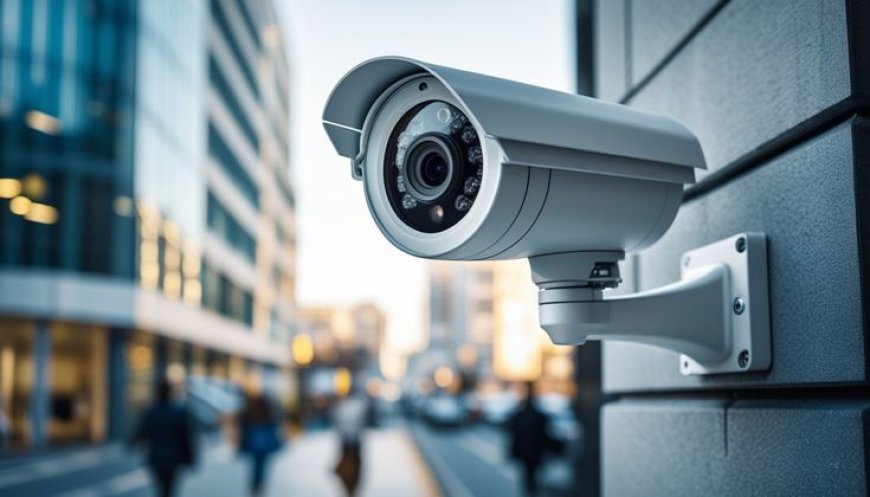
DIY Smart Home Security: A Beginner’s Guide
to Setting Up a Private, Cloud-Free
Surveillance System
DIY Smart Home Security has become a popular choice for homeowners who want better control, stronger privacy, and lower long-term costs. Instead of relying on subscription-based services and third-party servers, many people are now building their own systems that operate entirely on local networks. A well-designed cloud-free surveillance system allows you to monitor your home without sending sensitive footage to external platforms, giving you complete ownership of your data.
This guide explains how beginners can plan, set up, and maintain a reliable DIY smart home security solution that is private, efficient, and scalable.
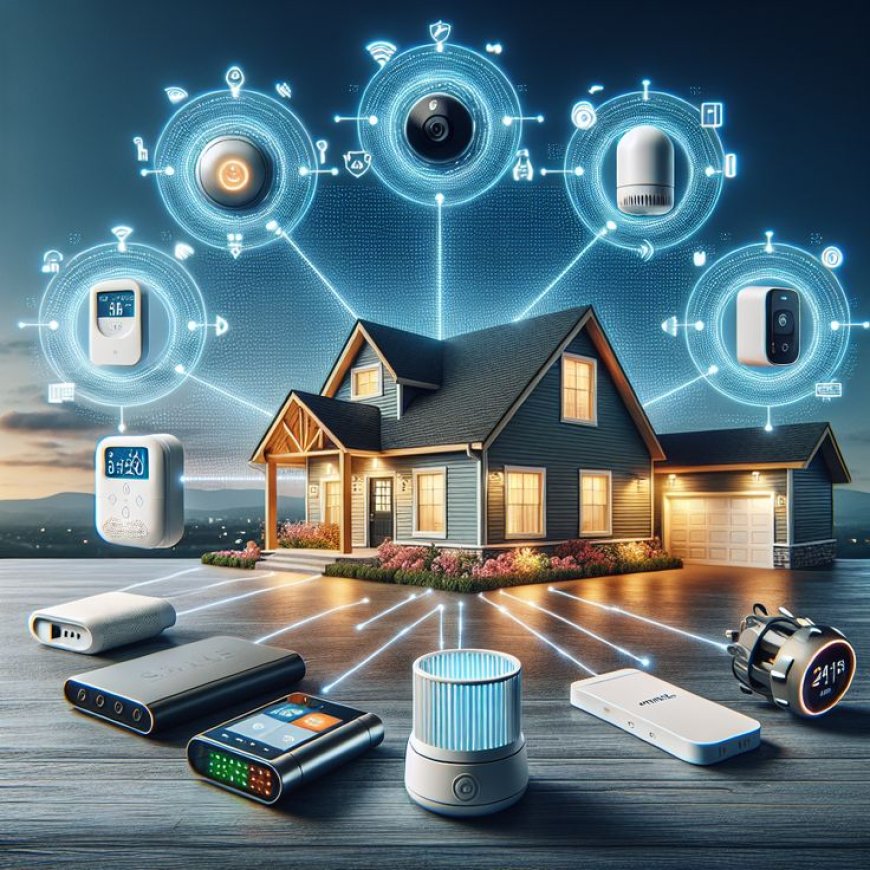
Why Choose DIY Smart Home Security Over Commercial Systems?
Commercial security systems are convenient, but they often come with recurring fees, limited customization, and privacy trade-offs. With DIY Smart Home Security, you decide how your system works, what devices you use, and where your data is stored.
A cloud-free surveillance system keeps all recordings within your home network, reducing the risk of data leaks and unauthorized access. It also ensures your cameras continue working even if the internet goes down. For users who value independence and long-term savings, a DIY approach offers unmatched flexibility.
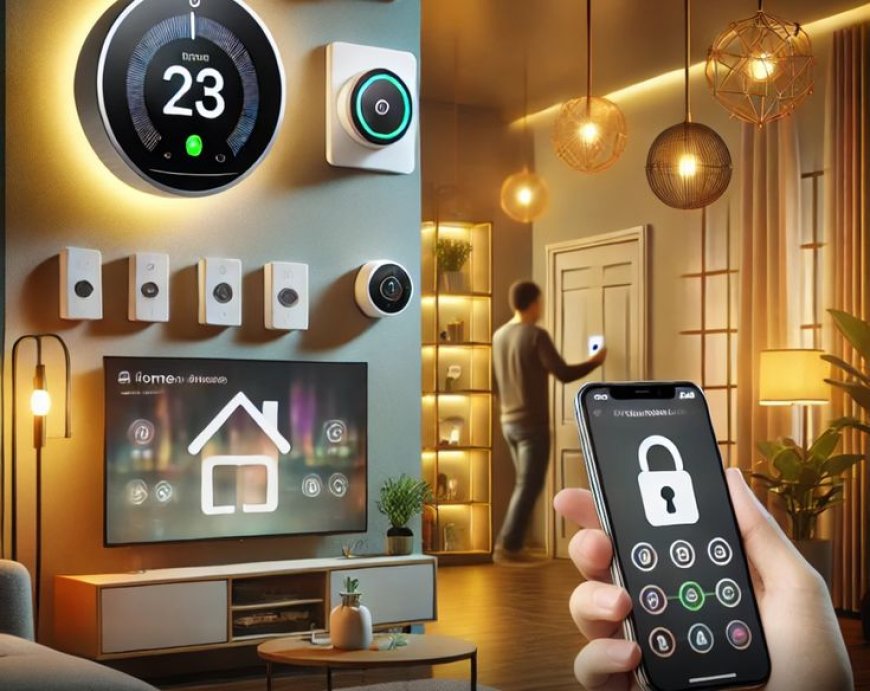
Planning Your DIY Smart Home Security Setup
Before purchasing equipment, it is important to plan your setup carefully. Start by identifying the areas you want to monitor, such as entry doors, driveways, balconies, or indoor common spaces. Avoid placing cameras in private areas like bedrooms or bathrooms.
Next, decide whether you want wired or wireless cameras. Wired systems offer better stability, while wireless setups are easier to install. Regardless of the choice, your DIY Smart Home Security system should be built around local storage to support a true cloud-free surveillance system.
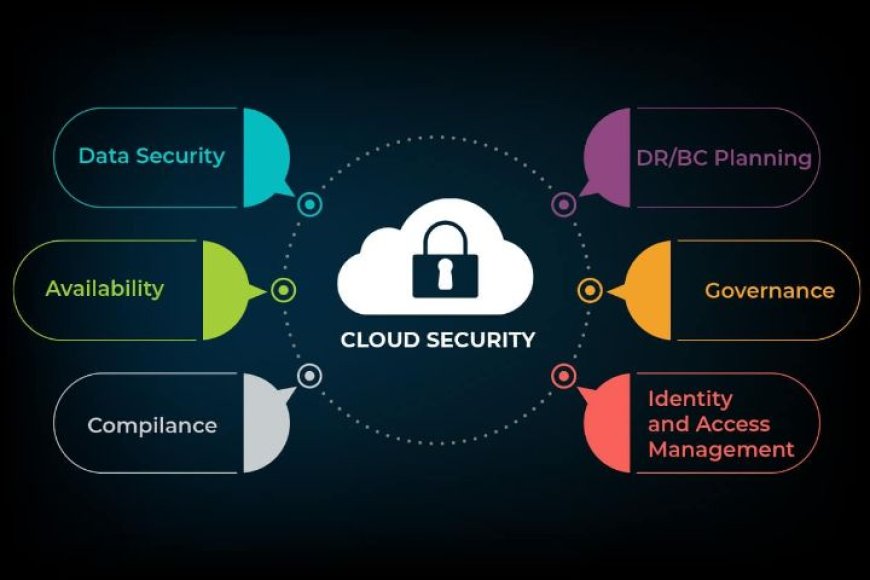
Essential Components for a Cloud-Free Surveillance System
To build an effective DIY Smart Home Security setup, you will need a few core components:
-
IP Cameras: Choose cameras that support local streaming protocols like RTSP or ONVIF. These work well without cloud dependency.
-
Network Video Recorder (NVR) or Local Server: This stores and manages footage on-site.
-
Router and Network Switch: A stable network is critical for smooth video streaming.
-
Storage Drives: Hard drives or SSDs provide long-term local storage for recordings.
When combined correctly, these components form a dependable cloud-free surveillance system that works independently of external services.
Software Options for DIY Smart Home Security
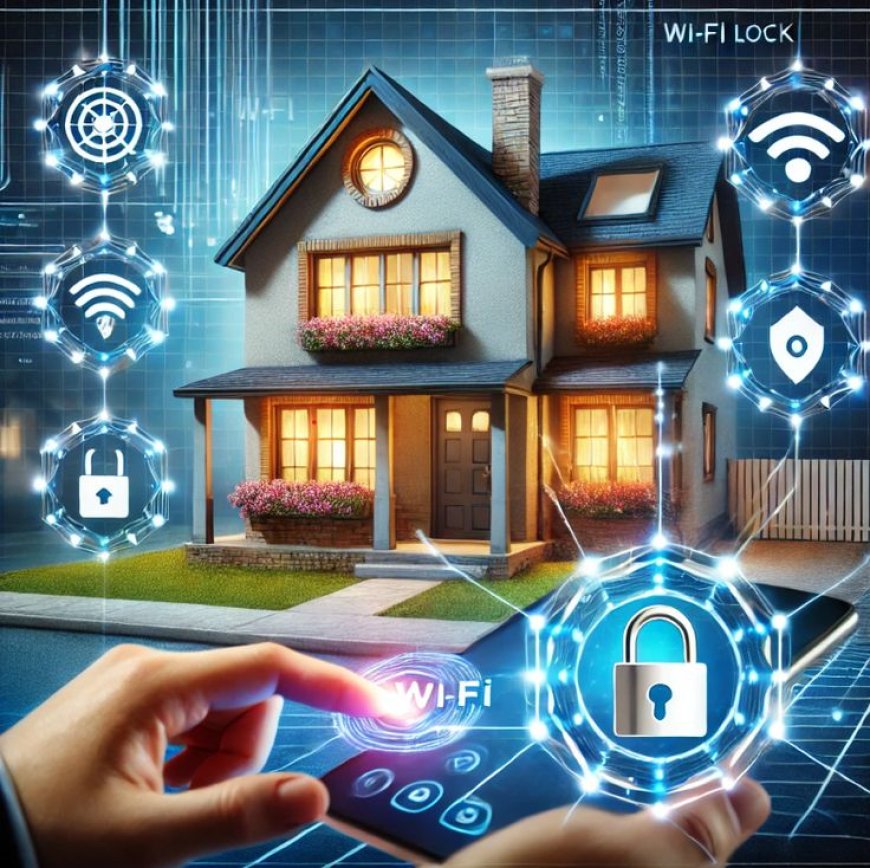
The software you choose plays a major role in system performance. Popular open-source platforms allow you to manage cameras, set motion alerts, and review recordings from a single dashboard.
Most DIY enthusiasts prefer software that runs locally on a small computer or server. This ensures that your DIY Smart Home Security system remains private while still offering advanced features like motion detection, scheduling, and user access control. Using local software is essential for maintaining a true cloud-free surveillance system.

Installation and Configuration Tips for Beginners
Start by mounting cameras securely and positioning them to avoid glare or blind spots. Ensure all devices are connected to the same local network. During setup, disable any default cloud features and change all default passwords.
Proper configuration is what separates a basic camera setup from a reliable DIY Smart Home Security system. Take time to test motion alerts, recording schedules, and storage limits. This step ensures your cloud-free surveillance system works smoothly from day one.
Maintaining Privacy and Security
Privacy is one of the biggest advantages of DIY Smart Home Security, but it requires ongoing attention. Regularly update your software, use strong passwords, and restrict external access to your system.
Consider placing your cameras on a separate network segment to reduce exposure. These practices help protect your cloud-free surveillance system from unauthorized access and keep your data fully under your control.
Scaling Your DIY Smart Home Security System
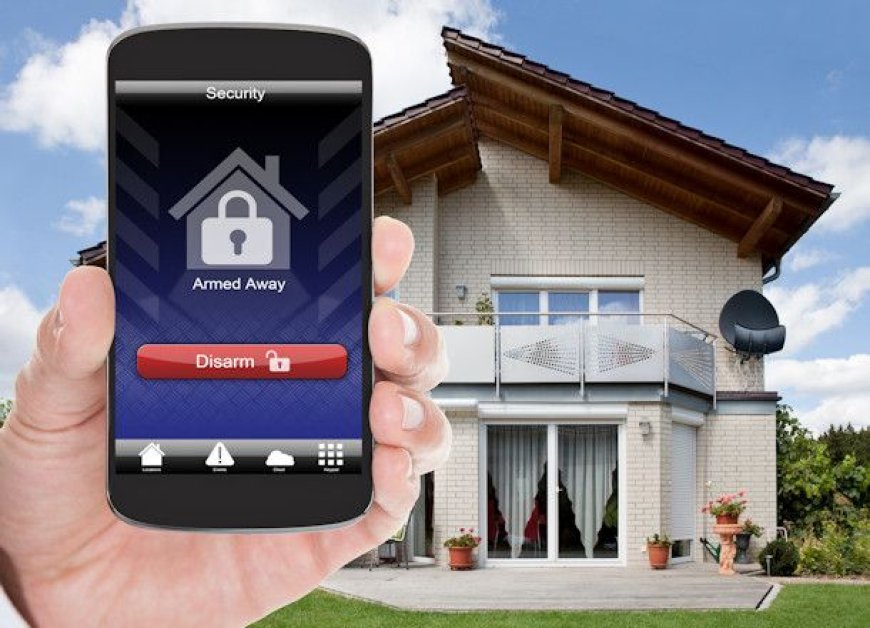
One of the strengths of DIY Smart Home Security is scalability. You can start with a few cameras and expand later by adding sensors, doorbells, or smart locks.
Because a cloud-free surveillance system relies on local infrastructure, expanding usually involves adding more storage or upgrading hardware, not paying higher subscription fees. This makes long-term growth predictable and cost-effective.

Conclusion
DIY Smart Home Security is an excellent option for beginners who want privacy, control, and flexibility without relying on third-party services. By building a cloud-free surveillance system, you ensure that your home security remains reliable, private, and tailored to your needs.
With careful planning, the right hardware, and proper configuration, anyone can create a professional-grade security system that protects both their home and their personal data.
What's Your Reaction?
 Like
0
Like
0
 Dislike
0
Dislike
0
 Love
0
Love
0
 Funny
0
Funny
0
 Angry
0
Angry
0
 Sad
0
Sad
0
 Wow
0
Wow
0