




































































































































































FunShot Watch Party: Stream and Connect with Friends
Learn how to join a FunShot Watch Party and enjoy streaming together with friends through real-time chat, reactions, and social interaction.

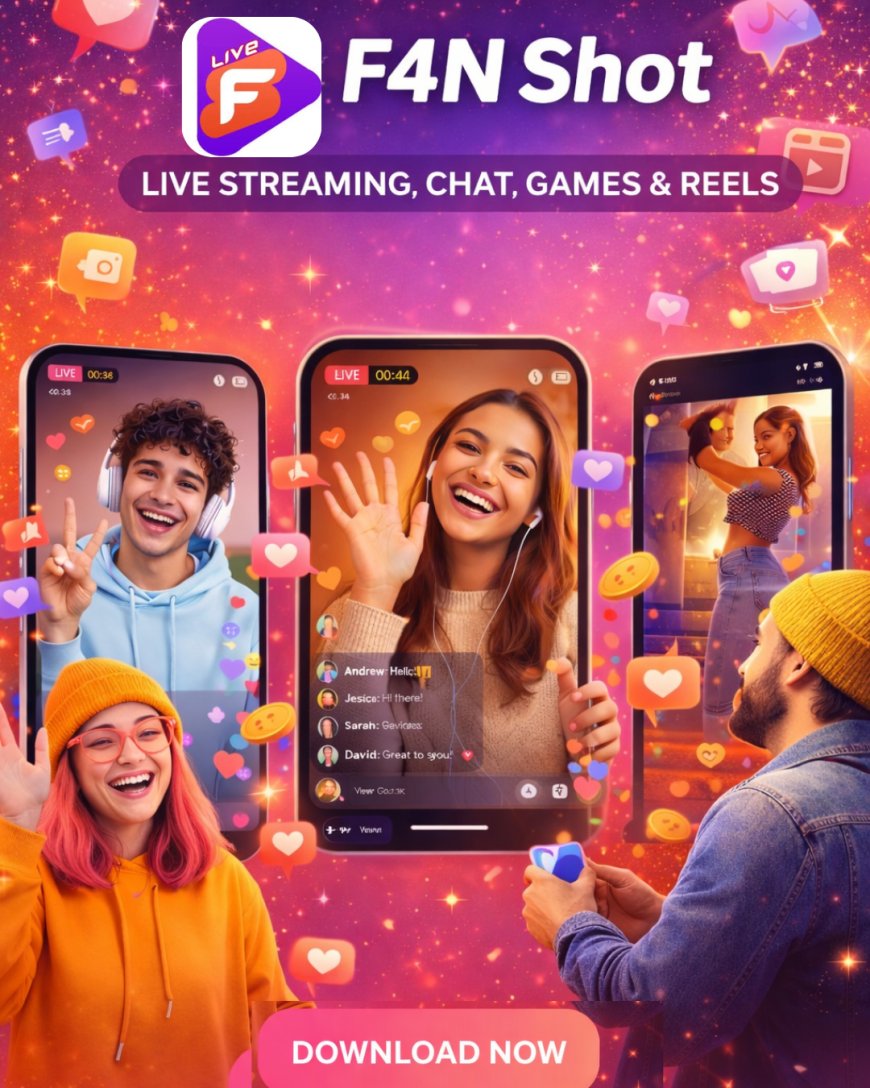
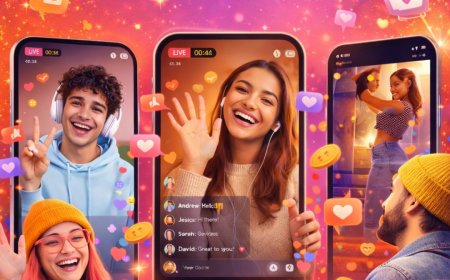
In a world where digital connections have become equally important to physical presence, social apps are reinventing the way we spend time with our friends and family online. Watch parties are one of the most exciting trends reshaping online entertainment - a shared streaming experience where you can watch videos, movies, or shows together with others. F4N Shot (closely associated with FunShot, a vibrant social platform) embodies this trend by combining social interaction with live streaming, making watch parties more than just a way to watch content.
What Is FunShot (F4N Shot)?
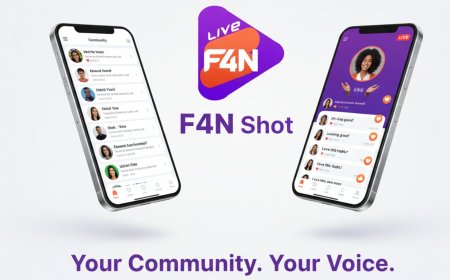
FunShot -reflected through the F4N Shot app -is a dynamic social platform designed for real-time interaction and community building. As described on the app’s Play Store listing, F4N Shot lets users engage in high-quality group voice chats, share creative Reels, follow feeds of people they care about, and join interest-based communities. While F4N Shot is not solely a streaming app like Netflix or YouTube, its social features make it fertile ground for interactive group activity - including watch parties.
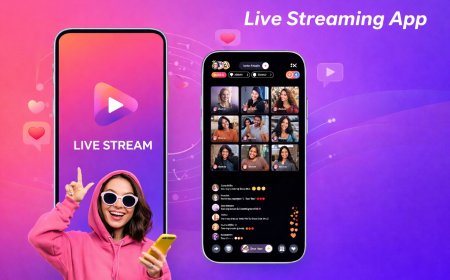
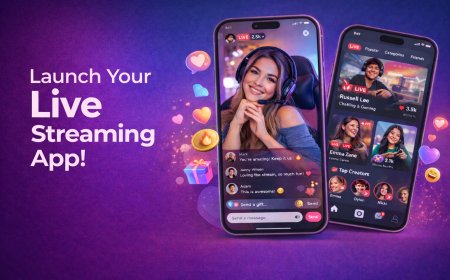
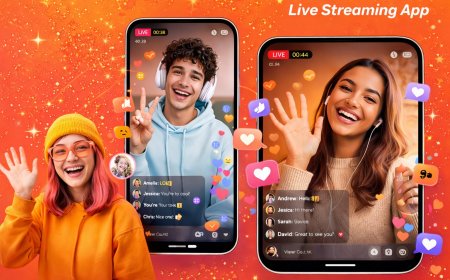
On F4N Shot, watch parties become part of the broader social experience, enabling groups of people to not just watch a video simultaneously, but also chat, react, and interact in real time - like being together in the same room even when miles apart.
Why Choose FunShot for Watch Parties?
Before jumping into how to join, it’s worth understanding why FunShot is becoming a popular choice for social streaming:
- Real-time interaction: Chat instantly with friends and viewers while the content plays.
- Community-driven experience: Connect with like-minded people beyond your immediate circle.
- Seamless live streaming: No complicated setup-just join and watch.
- Reactions and engagement tools: Emojis, comments, and interactions make every moment more fun.
In short, FunShot makes streaming feel social, interactive, and alive.
Step-by-Step: How to Join a FunShot Watch Party
Joining a FunShot Watch Party is simple and user-friendly, even if you’re not tech-savvy. Here’s how you can get started:
1. Download and Sign Up on FunShot
Begin by installing the FunShot app or accessing the platform through a supported device. Create your account using basic details. Once signed in, you’ll have access to live streams, communities, and watch parties.
2. Explore Ongoing Watch Parties
On the home screen, browse through live watch parties or featured streams. FunShot highlights trending sessions, popular creators, and community events, making it easy to find something that interests you.
3. Join with a Single Tap
Found a watch party you like? Simply tap “Join” to enter. The stream will start instantly, syncing you with everyone else watching. No delays, no complicated links.
4. Invite Friends to Watch Together
Want to make it more personal? You can invite friends directly to the watch party. Share an invite link or notify them within the app so everyone can join the same session at the same time.
5. Start Chatting and Reacting
Once inside, the real fun begins. Use the live chat to comment, share opinions, or react to moments as they happen. Emojis and reactions add energy and keep the conversation flowing.
How to Host Your Own FunShot Watch Party
FunShot isn’t just about joining-you can also host your own watch party and bring your community together.
- Start a live stream or select content you want to watch together.
- Set up your watch party with a title and description so others know what it’s about.
- Go live and invite people from your network or community.
- Engage actively by responding to chats and encouraging interaction.
Hosting a watch party is a great way for creators, brands, or everyday users to build stronger connections and keep audiences engaged.
Tips to Make the Most of Your Watch Party Experience
To truly enjoy FunShot watch parties, keep these tips in mind:
- Choose content that everyone enjoys, boosting participation.
- Engage actively-the more you chat and react, the better the experience.
- Join communities aligned with your interests to discover relevant watch parties.
- Use headphones and a stable connection for smooth streaming and clear audio.
These small steps can turn a regular stream into a memorable social event.
The Future of Social Streaming with FunShot
As digital interactions continue to grow, platforms like FunShot are redefining entertainment. Watch parties are no longer just a feature—they’re becoming the preferred way to stream. By combining live video, community engagement, and real-time interaction, FunShot bridges the gap between content and connection.
Whether you’re watching with close friends or meeting new people through shared interests, FunShot Watch Parties offer a more human, interactive way to stream.
What's Your Reaction?
 Like
1
Like
1
 Dislike
0
Dislike
0
 Love
0
Love
0
 Funny
0
Funny
0
 Angry
0
Angry
0
 Sad
0
Sad
0
 Wow
0
Wow
0